


WordPress, Wix, and Squarespace each serve different business needs. Choosing the right one depends on your goals.
The Website Platform Question Every Business Owner Faces
You need a website. That much is clear. But the moment you start researching your options, you hit a wall of conflicting advice. WordPress fans say everything else is amateur hour. Wix commercials make it look like anyone can build a site in an afternoon. Squarespace templates look so polished you wonder why anyone would choose anything else.
Here's the truth: all three platforms power millions of successful business websites. The right choice depends on your specific situation, not on which platform has the best marketing. Our web design services team builds on multiple platforms and can help you pick the right one.
Let's break down what actually matters.
The Quick Comparison
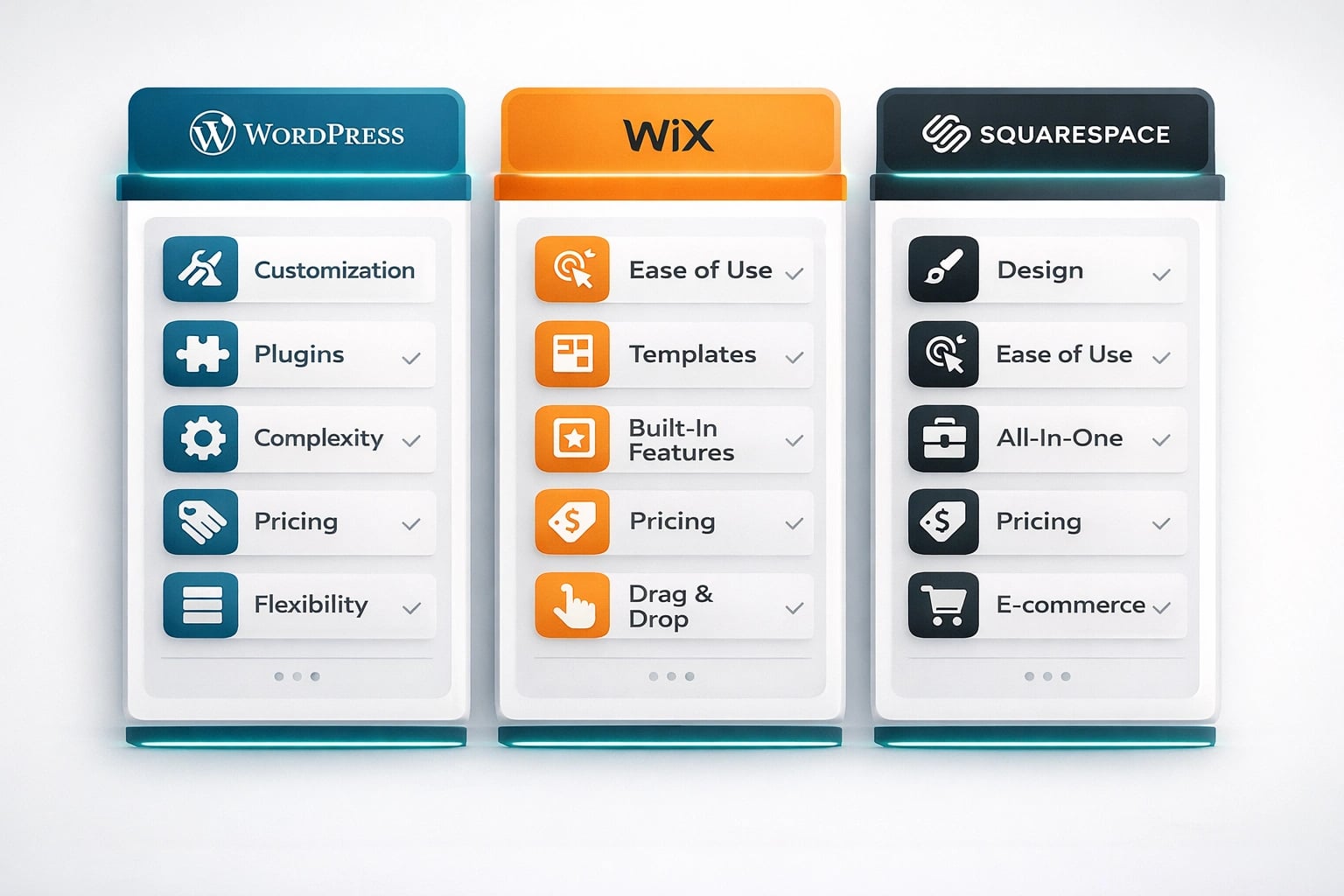
A quick overview of how the three platforms stack up on features, pricing, and best use cases.
Ease of Use: Who Wins for Non-Technical Users?
Wix takes this category. Its drag-and-drop editor is genuinely intuitive. You click on any element, move it wherever you want, and what you see is exactly what your visitors see. A Brevard County bakery owner with zero web experience can have a presentable site up in a weekend.
Squarespace is a close second. Its editor is more structured than Wix (you work within content blocks rather than free-form dragging), but that structure actually prevents design mistakes. The result is that Squarespace sites almost always look professional, even when built by a beginner.
WordPress requires the most learning. Even with modern page builders like Elementor or Kadence, you need to understand concepts like hosting, domains, plugins, and updates. That said, once you learn the basics, you can do things the other two simply cannot.
"Easy to build" and "easy to maintain" are two different things. Wix is easy to build but can become frustrating to maintain as your site grows. WordPress takes more effort upfront but gives you more control over the long haul.
SEO Capabilities: What Matters for Getting Found
For any Space Coast business that relies on local customers finding them through Google, SEO capability is not optional. Investing in local SEO only works if your platform can support it. Here's how the three platforms stack up.
WordPress SEO
Full control over meta tags, schema markup, sitemaps, robots.txt, URL structure, page speed optimization, and server-level redirects. Plugins like Rank Math and Yoast make advanced SEO accessible.
Wix SEO
Built-in SEO Wiz tool, customizable meta tags, auto-generated sitemaps, and basic structured data. Server-side redirects are limited. Advanced technical SEO requires workarounds.
Squarespace SEO
Clean URL structures, built-in sitemaps, customizable meta data, SSL included, and decent page speed. Limited schema markup options and fewer SEO plugins compared to WordPress.
WordPress wins here, and it's not particularly close. When a Titusville plumber needs to rank for "emergency plumbing Titusville FL," the ability to add custom schema markup, optimize page speed at the server level, and control every technical SEO detail makes a real difference.
That said, Wix and Squarespace have improved significantly. For a business that just needs to rank for its own name and a few local keywords, both platforms handle the basics well enough.
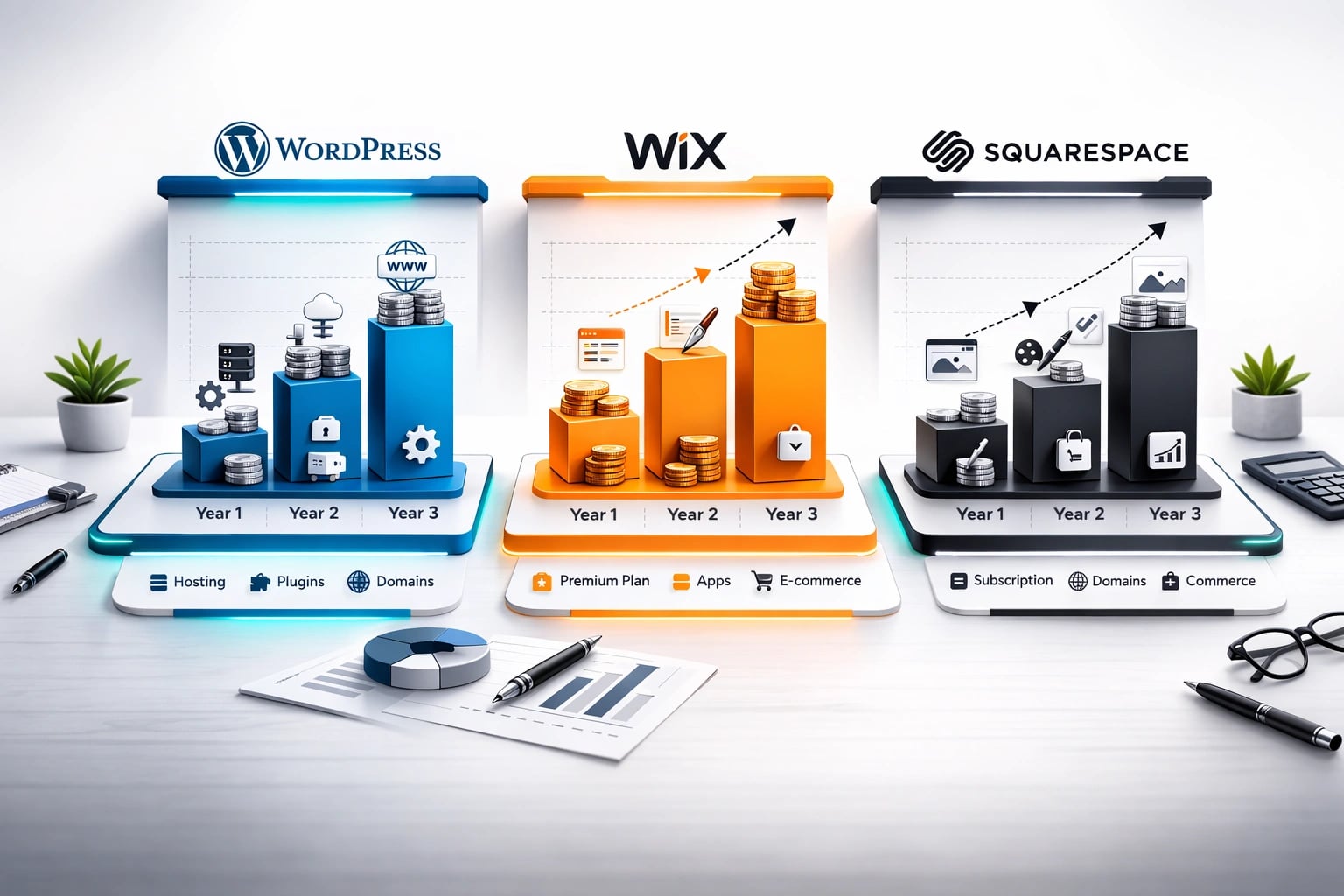
Monthly pricing only tells part of the story. Here is what each platform costs over three years.
Real Cost Over 3 Years
Monthly pricing only tells part of the story. Here's what each platform actually costs when you factor in everything a real business website needs.
WordPress: $500-$2,500
Hosting: $108-1,080. Domain: $30-45. Premium theme: $0-200. Essential plugins (SEO, security, backups, forms): $0-600. Developer help (occasional): $0-500. Total range depends heavily on hosting quality and plugin choices.
Wix: $612-$5,724
Business Basic plan at $17/mo = $612 over 3 years. Business plan at $36/mo = $1,296. Business Elite at $159/mo = $5,724. Domain included first year, then $15-20/yr. Few additional costs unless you need premium apps.
Squarespace: $576-$1,764
Personal plan at $16/mo = $576 over 3 years. Business plan at $33/mo = $1,188. Commerce Advanced at $49/mo = $1,764. Domain included first year. Most features built in, so fewer add-on costs.
The biggest cost isn't the platform. It's your time. If you spend 10 hours building a Wix site and another 5 hours each month updating it, that's real money. A Cocoa Beach restaurant owner billing $50/hour for their own time is spending $3,000/year on website maintenance whether they realize it or not.
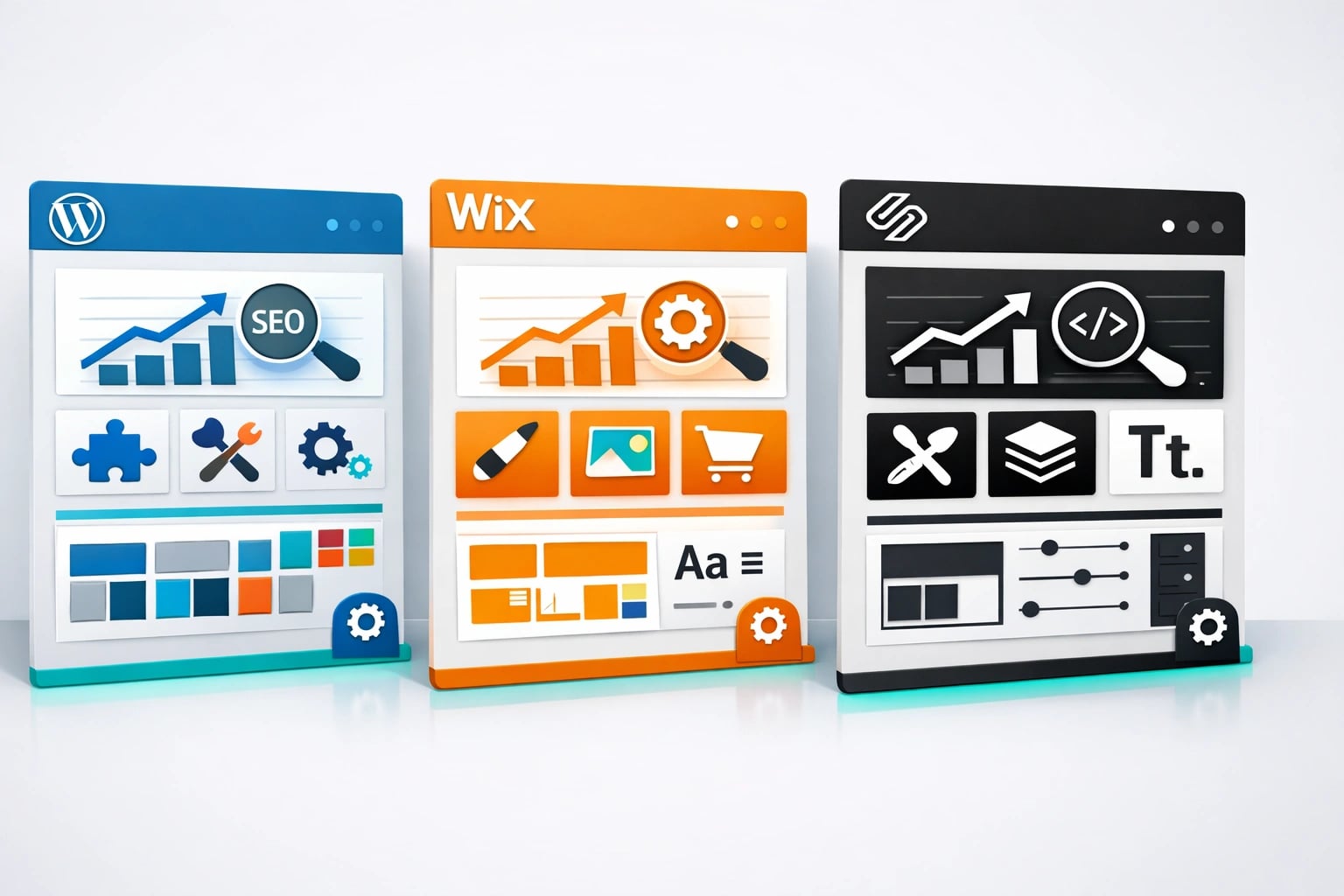
WordPress leads in SEO flexibility and plugin options. Squarespace and Wix trade off between design quality and ease of use.
Customization and Growth Potential
This is where the platforms diverge sharply.
WordPress is essentially unlimited. Need a membership portal? There's a plugin. Want to add a booking system, a custom calculator, or a multilingual version of your site? All doable. WordPress grows with your business, which is why so many businesses start on Wix or Squarespace and eventually migrate to WordPress.
Wix offers a solid app market, but you're working within Wix's ecosystem. If you need something Wix doesn't support, you're stuck. And here's a major downside: once you choose a template on Wix, you cannot switch to a different template without rebuilding your site from scratch.
Squarespace falls in the middle. Its built-in features cover most small business needs (scheduling, e-commerce, email campaigns), but custom functionality beyond what Squarespace offers requires workarounds or isn't possible at all.
- WordPress: Full control, unlimited plugins, you own your data, best for long-term growth
- Wix: Fastest setup, most intuitive editor, good for simple sites that won't change much
- Squarespace: Best templates, good built-in features, predictable monthly cost
- WordPress: Steeper learning curve, you manage hosting and security, plugin conflicts happen
- Wix: Can't switch templates, limited export options, site speed can suffer with add-ons
- Squarespace: Less flexible, fewer integrations, limited e-commerce compared to WordPress
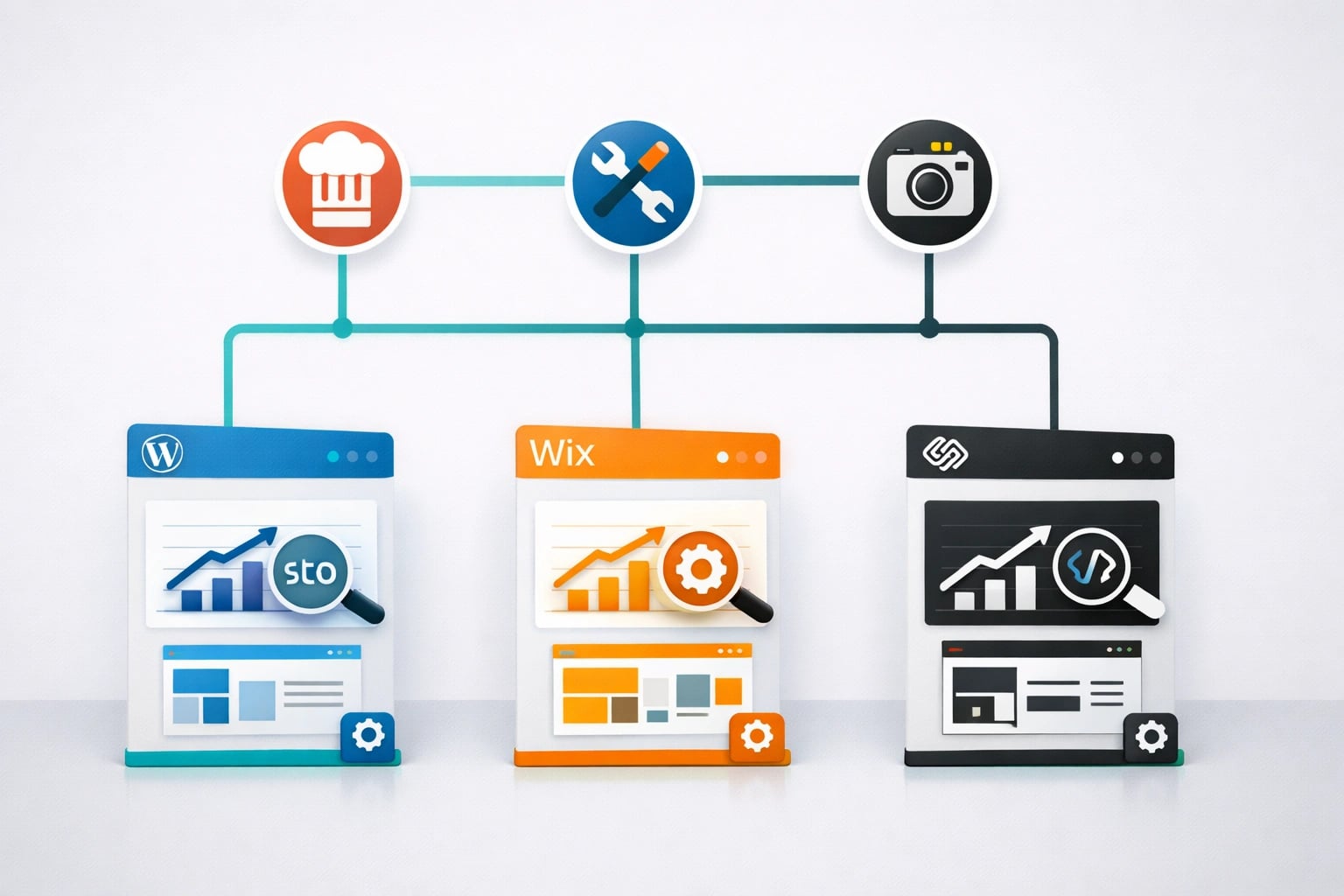
The best platform depends on your business type, growth plans, and technical comfort level.
Which Platform Fits Your Space Coast Business?
Let's get specific. Here are real scenarios based on the types of businesses we work with in Brevard County.
The Titusville Plumber
Best choice: WordPress. A service business needs strong local SEO, lead capture forms, a blog for content marketing, and the ability to add service area pages. WordPress handles all of this. A plumber ranking #1 in Titusville for "drain cleaning" could generate 20-30 leads per month. That SEO advantage pays for any extra setup time.
The Cocoa Beach Restaurant
Best choice: Squarespace. A restaurant needs beautiful food photography, easy menu updates, hours and location info, and maybe online ordering integration. Squarespace's templates are designed for exactly this. The site will look great on day one, and updating the menu takes minutes.
The Melbourne Freelance Photographer
Best choice: Squarespace. Portfolio-focused businesses need stunning visual presentation. Squarespace's gallery templates are best-in-class. The built-in scheduling tools let clients book sessions directly.
The Palm Bay Home Cleaning Service
Best choice: WordPress or Wix. A growing service business needs booking integration, review management, and local SEO. WordPress gives the most growth potential. But if the owner wants to manage everything themselves and keep it simple, Wix's built-in booking tools work well too.
Don't pick a platform just because it's cheapest today. Migrating a website later costs $500-2,000+ in time and money, and you risk losing search rankings during the transition. Pick the platform that fits where your business will be in 2-3 years, not just where it is now.
E-Commerce: Selling Products Online
If you sell physical or digital products, your platform choice gets more specific.
WordPress + WooCommerce powers 28% of all online stores. It handles unlimited products, complex shipping rules, and any payment gateway you need. But it requires more technical management.
Squarespace Commerce is clean and well-designed but capped at the features Squarespace builds in. Good for businesses selling under 500 products.
Wix eCommerce has improved and handles small shops well. Automated sales tax, abandoned cart recovery, and dropshipping integrations are all available on higher-tier plans.
For a Merritt Island boutique selling 50-100 items, Squarespace Commerce is likely the best balance of quality and simplicity. For a growing Melbourne e-commerce brand with hundreds of products, WordPress with WooCommerce provides the most flexibility.
Page Speed and Performance
Google uses page speed as a ranking factor. Slow sites also lose visitors. Here's the reality.
WordPress performance depends entirely on your hosting and optimization. A well-optimized WordPress site on quality hosting loads faster than Wix or Squarespace. A poorly optimized WordPress site on cheap hosting can be painfully slow. Our Florida Local Search Index (Q2 2026) data shows a direct correlation between site speed and local ranking positions across Brevard County.
Squarespace sites consistently score in the "good" range without any optimization effort. Wix has improved but can still struggle with speed, especially on image-heavy pages.
The Multi-Location Wall (Where Builders Break)
A five-page brochure site works fine on any of the three platforms. The break point comes with growth, and for Florida service businesses it almost always arrives the same way: a contractor starts ranking in one city and wants service pages for ten more.
WordPress handles that with templated page types: fifty "service + city" pages built on one template, managed in bulk, each carrying consistent LocalBusiness schema. On Wix or Squarespace, every one of those pages is built and maintained by hand, so shared details (hours, phone, calls to action) drift out of sync page by page, and the builders give you limited or no control over the structured data those pages need to compete in the map pack and AI answers.
Migration later is the hidden cost of starting on the wrong platform. Moving off a builder means rebuilding the design from scratch, exporting what content the platform allows, manually mapping every old URL to a 301 redirect, and re-entering metadata. Done imperfectly, it burns rankings you spent years earning, and the longer you have been on the builder, the more there is to lose. If your business is realistically headed past 15 to 20 pages or multiple service areas, starting on the platform that scales costs less than the migration you will otherwise pay for.
Our Honest Verdict
There is no single "best" platform. There is only the best platform for your specific situation.
Choose WordPress if: You want full control, plan to invest in SEO and content marketing, need custom functionality, or expect your site to grow significantly over the next few years. WordPress also gives you the flexibility to implement AI search optimization as that channel grows.
Choose Wix if: You want the fastest path to a live website, plan to manage it yourself, and your needs are straightforward (basic business info, contact form, maybe a blog).
Choose Squarespace if: Design quality is your top priority, you need a portfolio or menu-focused site, and you want reliable built-in features without managing plugins.
- WordPress offers the most flexibility and SEO control but requires more technical knowledge or developer support.
- Wix is the fastest to launch but limits your long-term growth options.
- Squarespace delivers the best out-of-the-box design quality for visual businesses.
- 3-year total cost is similar across platforms when you factor in time and add-ons.
- Pick the platform that fits where your business will be in 2-3 years, not just today.
- For local SEO-dependent businesses on the Space Coast, WordPress consistently delivers the best results.