

L3ad Solutions • Blog
AI Automation for Local Service Businesses
AI automation for local service businesses captures leads and saves hours. Learn what pays off, what doesn't, and the ROI math for US businesses.
AI AutomationLocal SEOLead Capture

AI automation for local service businesses captures leads and saves hours. Learn what pays off, what doesn't, and the ROI math for US businesses.
• AI automation for a small service business should be measured in captured leads and saved hours, not in technology. • Three areas pay back fastest: 24/7 chat that handles routine questions and books appointments, after-hours SMS callback so missed calls don't go to competitors, and intake automation that pulls customer details from forms into the CRM. • Most other AI tools are demos. The break-even for automation is one or two extra captured leads per month.
AI is in everything right now and most of it is theater. For a small local service business, the question isn't "should we use AI", it's "which two or three AI applications actually return more than they cost." You'll get the ones that pay back, the ones that don't, and the math behind each.
We've implemented AI tooling for service businesses across Florida, including dental practices, salons, and professional services. The patterns hold across categories. Florida's diverse economy, with strong tourism and construction sectors, creates consistent demand for responsive local service operations.
The simplest, cheapest win. When a customer calls outside business hours and goes to voicemail, an automated SMS goes out within 30 seconds: "Hi, you just called Acme Plumbing. We're closed but got your number, text us your issue and we'll respond first thing in the morning."
Setup: a phone number with SMS capability (Twilio, Telnyx) wired to a basic webhook, plus a simple template. A few hours of dev work or a $30/month tool like CallRail or Smith.ai.
Math: most service businesses miss 5-15 after-hours calls per week. Even if the auto-responder converts only 20% of those into next-morning conversations, that's 1-3 extra leads weekly that previously went to whoever the customer called second. At $300+ per booked job for many trades, this single automation pays for itself in week one.
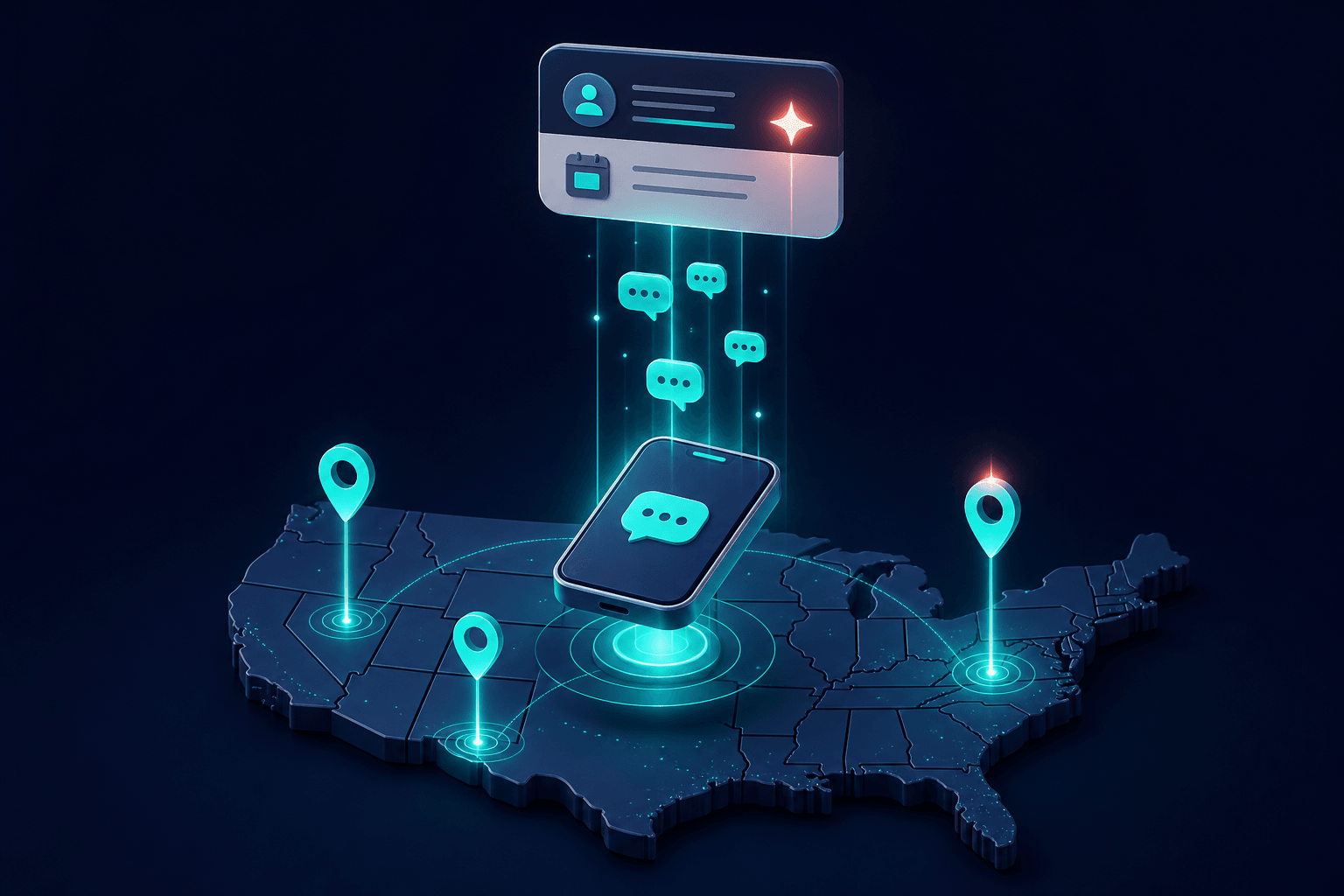
After-hours SMS automation turns missed calls into scheduled conversations.
A chat assistant on the website handles the questions that don't need a human: "What's your service area?", "What are your hours?", "Do you do emergency calls?", "Can you fix [specific issue]?", "How much does [service] cost?".
Done well, it handles 50-70% of incoming chat conversations without escalation. The remaining 30-50% get handed off to a real person via email, callback request, or live chat takeover.
What "done well" requires:
Cost: $75-250/month depending on platform and volume. Implementation: 1-2 weeks of setup, including knowledge base training. Break-even: 1 captured lead/month for most service businesses.
The pattern that doesn't work: bolting a generic ChatGPT widget onto the site with no business-specific knowledge base. Customers see through it instantly and treat it as friction, not service.
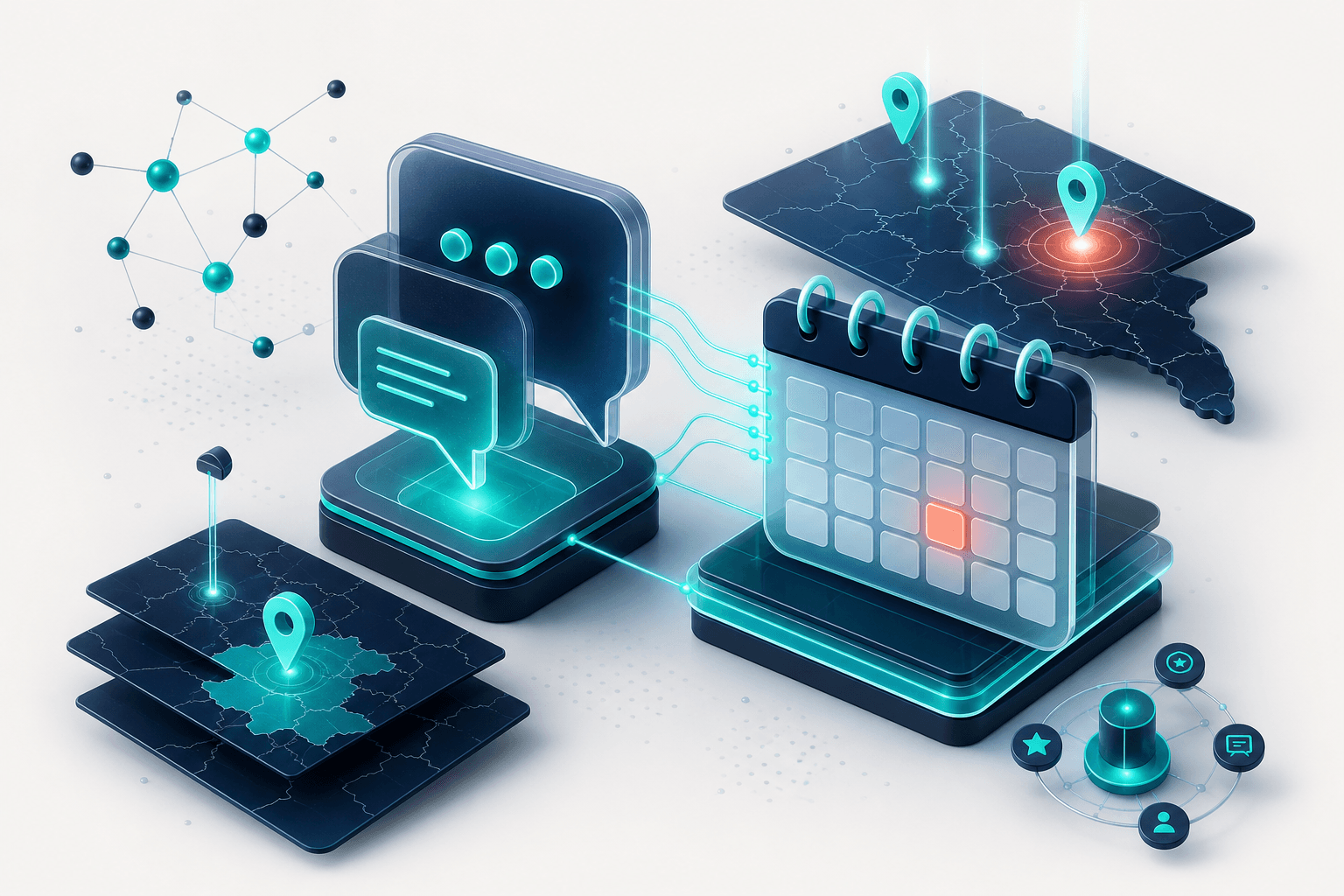
Effective AI chat requires clear identification, business-specific knowledge, and direct calendar integration.
When a lead fills out the contact form, AI can do useful work in the background:
Setup: depends heavily on which CRM you use. Tools like Make, Zapier, and n8n can wire this up in a day or two for a few hundred dollars setup plus ~$50/month in tool costs.
Math: shaves 5-15 minutes off each lead's intake time. For a business doing 50+ leads/month, that's 4-12 hours/month saved. Not as direct as captured leads, but the saved time goes back into actual sales conversations.

Intake automation parses leads, tags urgency, and drafts replies so the team focuses on conversations.
Generic AI-written articles flood the open web. Google's helpful-content systems are tuned to demote them. We've audited dozens of small business sites that paid $500-2000 for AI-generated content packages, the content sits indexed but ranks for nothing.
What works: AI as a first-draft tool for an experienced writer. Generate the bones, then have a human rewrite for voice, add specifics, fact-check, restructure. The final piece looks human-written because it largely is.
What doesn't work: AI articles published with minimal editing, AI-generated meta descriptions, AI-written GBP posts. Google's ranking systems and customers both detect the genericness.
Useful as a data input, dangerous as a decision-maker. Tools that "automatically optimize" your site by changing titles, meta descriptions, or headings based on AI suggestions often make changes that lose more than they gain. SEO requires human judgment about brand voice, search intent, and tradeoffs.
Use AI tools for surfacing data (rank changes, content gaps, competitor moves). Don't let them write to your site automatically.
Tools that generate B2B leads via AI scraping produce low-quality lists at scale. The leads convert at a fraction of the rate of inbound leads from local SEO, paid ads, or referrals. For local service businesses, the ROI on outbound prospecting tools is generally bad.
Fine for a temporary placeholder. Visibly AI-generated for anything customer-facing. The outputs have a recognizable look, busy, vaguely-symmetrical, with text artifacts. Customers notice and discount the brand.
For a small service business doing $300K-$1.5M annual revenue, a reasonable AI automation budget is $100-400/month all-in. That should cover:
This is small enough that even a 10-20% lift in captured leads pays it back several times over. Anything more expensive needs a much harder ROI conversation.
Picture a Brevard County roofing company owner at 6:30 am. She checks overnight voicemails, juggles two crew schedules, answers three emails about pending quotes, and tries to remember whether yesterday's Google review got a reply. By 9 am she is on a roof, and the phone keeps ringing into voicemail.
With the basic automations running, the same day looks different. Overnight missed calls already got a text-back, so those callers have a conversation started before the office opens. A mid-morning web lead gets scored and texted a booking link within minutes. Lunch-hour chat questions about service area and hours get answered and logged. After-hours calls reach an AI answering flow that collects name, address, and issue, routes real emergencies to the on-call phone, and schedules everything else for next-day callbacks. On Friday a short plain-English report lands in her inbox: leads by source, average response time, calls that went unanswered. Nothing on that list replaced a person. All of it replaced voicemail and forgetting.
One legal line matters before you turn anything on: automated texting in the US falls under TCPA consent rules. Only text people who contacted you first or gave permission, keep transactional messages transactional, and keep opt-out instructions visible. Statutory damages run $500 per violating message and up to $1,500 when willful, so this is not a corner to cut. Any vendor selling you texting automation should be able to explain their consent handling in one paragraph; if they cannot, walk.
Then start small, one workflow in one month. Week 1: pick a single workflow (missed calls or review requests) and write down your current process step by step. Week 2: set it up and test it internally, having your own team call after hours and fill out the form. Week 3: turn it on for real customers and watch closely for odd messages or missed triggers. Week 4: compare against your baseline and decide whether to expand. Track three numbers before and after: response time to new leads, booked jobs per 10 leads, and the percentage of calls that go unanswered. If those three do not move inside two or three billing cycles, turn it off and rethink the workflow, not the software brand.
AI automation works best on top of solid fundamentals. A great chatbot on a slow website still loses leads to load time. An after-hours SMS callback on a business with no Google Business Profile presence has fewer calls to capture in the first place.
Order to invest in for most service businesses:
Skip steps 3-5 if step 1 isn't done yet. Automating a broken funnel automates the broken parts.
If you want these systems built for you instead of building them yourself, see what we typically set up for new clients in AI Automation.
Tap a question to expand.
Keep Going
Pick the next question you have and go straight to the answer.
Budgets, channels, and a build order for roofing growth anywhere in the US.
Budgets, channels, and a build order for HVAC growth anywhere in the US.
Budgets, channels, and a build order for plumbing growth anywhere in the US.
Budgets, channels, and a build order for contractor growth anywhere in the US.