


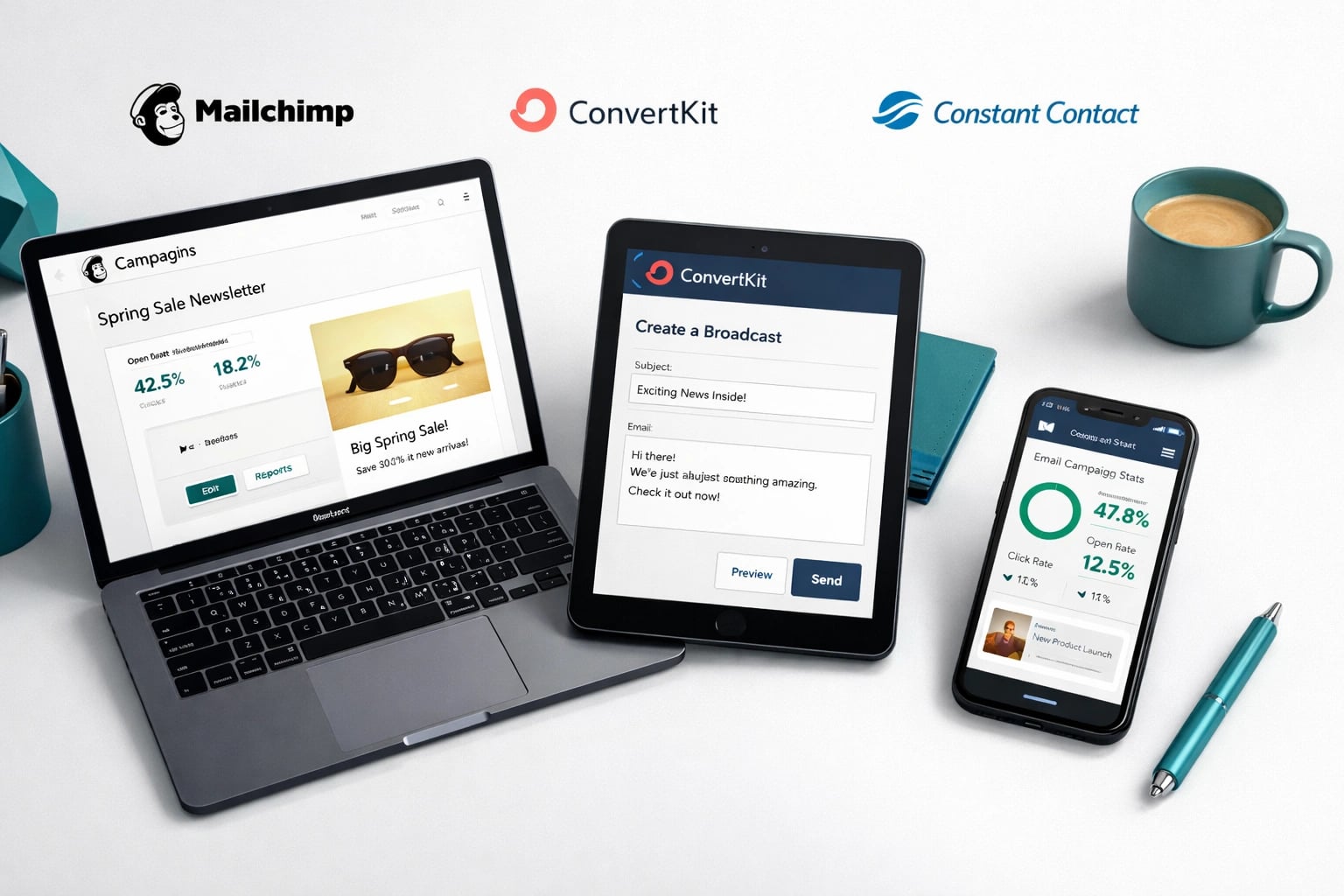
Mailchimp, ConvertKit, and Constant Contact each target different audiences. For most local businesses, Mailchimp is the best fit.
Why Email Still Matters for Local Businesses
Social media gets the attention, but email gets the sales. For local businesses on the Space Coast, email is still the most direct line to your customers. It fits into a broader strategy alongside local SEO services and paid advertising.
The problem is choosing a platform. There are dozens of email marketing tools, and most of them are built for online businesses, e-commerce stores, or creators with massive audiences. Local businesses have different needs.
You need something that lets you send a monthly newsletter, promote a seasonal deal, ask for reviews, and maybe set up an automated welcome sequence. You do not need complex sales funnels or advanced segmentation for 50,000 subscribers.
We tested all three platforms with local business use cases in mind. Our Florida Local Search Index shows that businesses combining email with local SEO see stronger customer retention across the board. Here is what we found.
The Quick Comparison
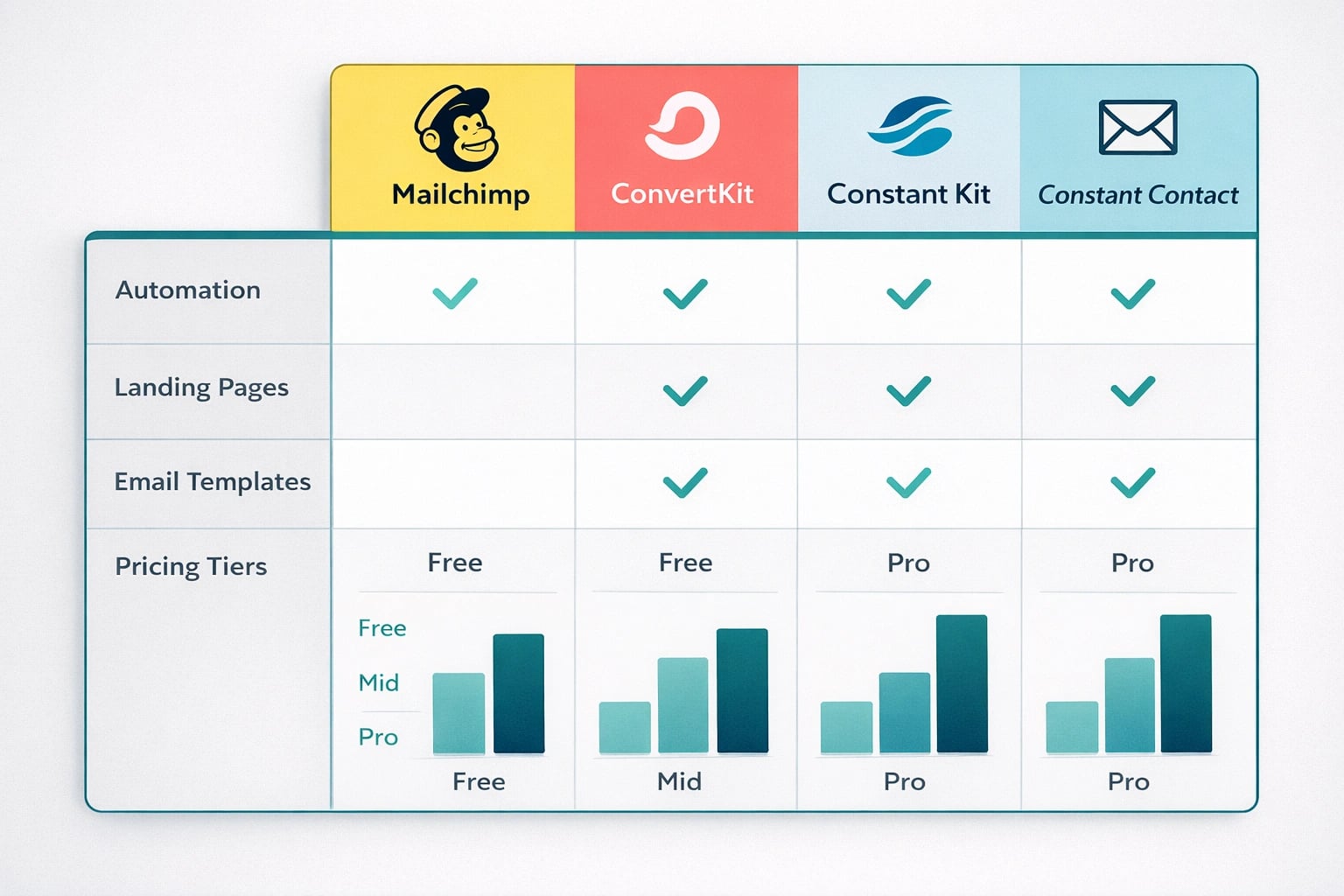
A quick overview of pricing, features, and best use cases for each email platform.
Mailchimp: The Best All-Around Choice
Mailchimp has been the default email platform for small businesses for over a decade, and for good reason. It does the most things well enough for the most businesses.
What Local Businesses Will Like
The drag-and-drop email builder is genuinely easy to use. You can build a professional-looking promotional email in 20 minutes, even if you have never designed anything before. The template library includes layouts specifically designed for restaurants, retail shops, service businesses, and appointment-based businesses.
The free plan (500 contacts, 1,000 sends per month) is enough for a new local business building its list. A Cocoa Beach restaurant collecting emails from customers or a Palm Bay salon building a VIP list can run for months on the free tier.
Appointment Reminders
Integrate with scheduling tools to send automated appointment reminders. Reduces no-shows for salons, clinics, and service providers.
Review Request Emails
Set up automated emails that go out after a purchase or appointment asking for a Google review. This builds your review count on autopilot.
Postcard Campaigns
Mailchimp can send physical postcards to your email contacts. Useful for grand openings or major promotions targeting local customers.
Social Media Integration
Post to Facebook and Instagram directly from Mailchimp, and retarget your email subscribers with social ads.
Where Mailchimp Falls Short
The free plan is limited in automation. You get one-step automations (like a welcome email) but nothing multi-step until you upgrade. The Standard plan at $20 per month for 500 contacts open ups full automation, which is reasonable but worth knowing upfront.
Mailchimp's pricing also scales quickly once you pass 500 contacts. At 2,500 contacts, you are looking at $39 per month for the Standard plan. At 10,000 contacts, that jumps to $100 per month.
- Most intuitive email builder of the three platforms
- Generous free plan for businesses just starting out
- 300+ professionally designed templates
- Built-in CRM for basic contact management
- Strong integration library (connects with most business tools)
- Pricing increases sharply as your list grows past 500
- Free plan automation is limited to single-step sequences
- Customer support on free plan is email-only (no phone or chat)
- Some advanced features are locked behind the Premium tier ($350/mo)
ConvertKit: Built for Creators, Not Local Businesses
ConvertKit (recently rebranded to Kit) is an excellent platform, but it is designed for a very specific user: online creators, bloggers, podcasters, and people selling digital products. If that is not your business model, you will be paying for features you do not need.
Why It Does Not Fit Most Local Businesses
ConvertKit's email templates are intentionally minimal. The philosophy is that plain-text-style emails perform better for creator audiences. That may be true for a newsletter with 50,000 subscribers, but a local HVAC company sending a seasonal maintenance promotion needs visual templates with images, logos, and clear CTAs.
The tagging and automation system is powerful but more complex than most local businesses need. You can build intricate subscriber journeys with conditional logic, but a Melbourne FL dentist sending appointment reminders and quarterly newsletters does not need that complexity.
If you run a local business that also creates content (a fitness studio with an online workout program, a chef who sells recipe guides, a consultant who runs webinars), ConvertKit might be worth considering. It excels at mixing content delivery with commerce.
ConvertKit Pricing Reality Check
ConvertKit's free plan allows up to 10,000 subscribers, which sounds great. But it limits you to one email broadcast per month and does not include automation. The Creator plan starts at $15 per month for 300 subscribers. At 1,000 subscribers, that is $29 per month. At 5,000, it is $79 per month.
For a local business with 500 contacts, you are comparing Mailchimp's free plan against ConvertKit's $15 per month plan. That is an easy decision for most.
Constant Contact: The Underrated Contender
Constant Contact does not get the buzz that Mailchimp gets, but it is quietly excellent for local businesses. If you want a platform where you can pick up the phone and talk to a real person when something is not working, Constant Contact is the clear winner.
What Makes It Worth Considering
The phone and live chat support is available on every paid plan. For business owners who are not particularly tech-savvy, this is huge. Mailchimp's free and lower-tier plans only offer email support, and ConvertKit's support is chat and email only.
Constant Contact also includes event management tools that the other two platforms lack. If your business hosts events, workshops, or classes (think fitness studios, cooking schools, or community organizations), this built-in feature saves you from needing a separate tool like Eventbrite.
Event Management
Create event landing pages, manage RSVPs, send invitations and reminders. All built into the platform at no extra cost.
Phone Support on All Plans
Call a real person for help. Available Monday through Saturday. This is a major advantage for less tech-savvy business owners.
Social Media Posting
Schedule and publish social media posts directly from Constant Contact. Basic but functional if you want fewer tools to manage.
Survey and Poll Tools
Create customer surveys and feedback forms. Useful for gathering testimonials and understanding customer satisfaction.
The Downside: No Free Plan
Constant Contact's biggest disadvantage is the lack of a free plan. You get a 60-day trial, then pricing starts at $12 per month for the Lite plan (up to 500 contacts). The Standard plan at $35 per month adds automation and better segmentation.
For a business that is just experimenting with email marketing, the $12 per month starting cost creates a barrier that Mailchimp's free plan does not.
- Best customer support of all three platforms (phone, chat, email)
- Built-in event management tools
- Clean, easy-to-use interface
- Good template selection for local businesses
- Stable pricing that does not spike as your list grows
- No free plan (60-day trial only)
- Automation features are less advanced than Mailchimp or ConvertKit
- Fewer integrations than Mailchimp
- The email builder, while functional, is not as polished as Mailchimp's
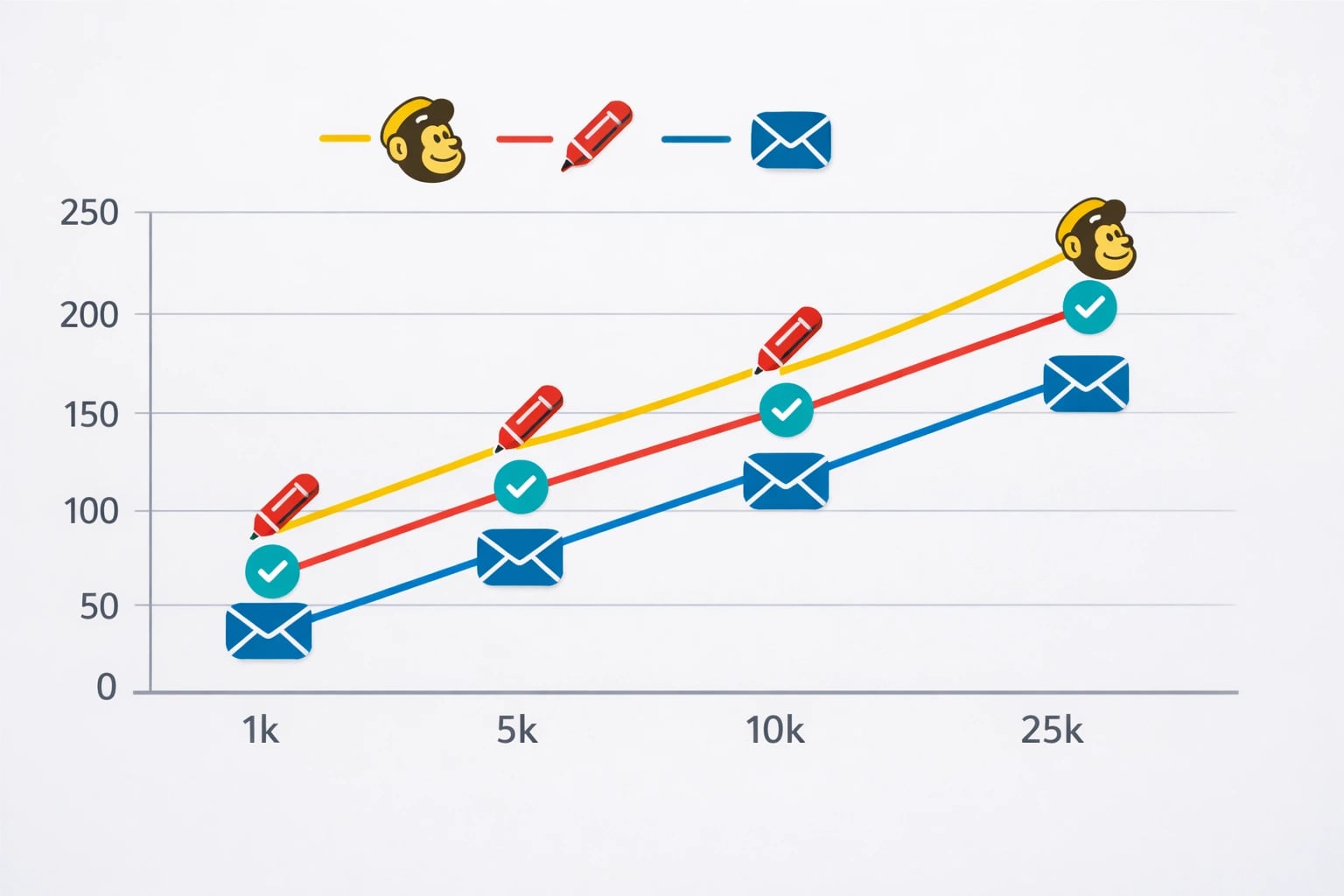
Mailchimp is the most affordable option at every common list size for local businesses.
Real-World Pricing for Local Businesses
Most local businesses have under 2,000 contacts. Here is what each platform actually costs at common list sizes:
Mailchimp counts unsubscribed and inactive contacts against your plan limit unless you regularly clean your list. Archive or delete contacts who have not opened an email in 6 months. This can save you an entire pricing tier.
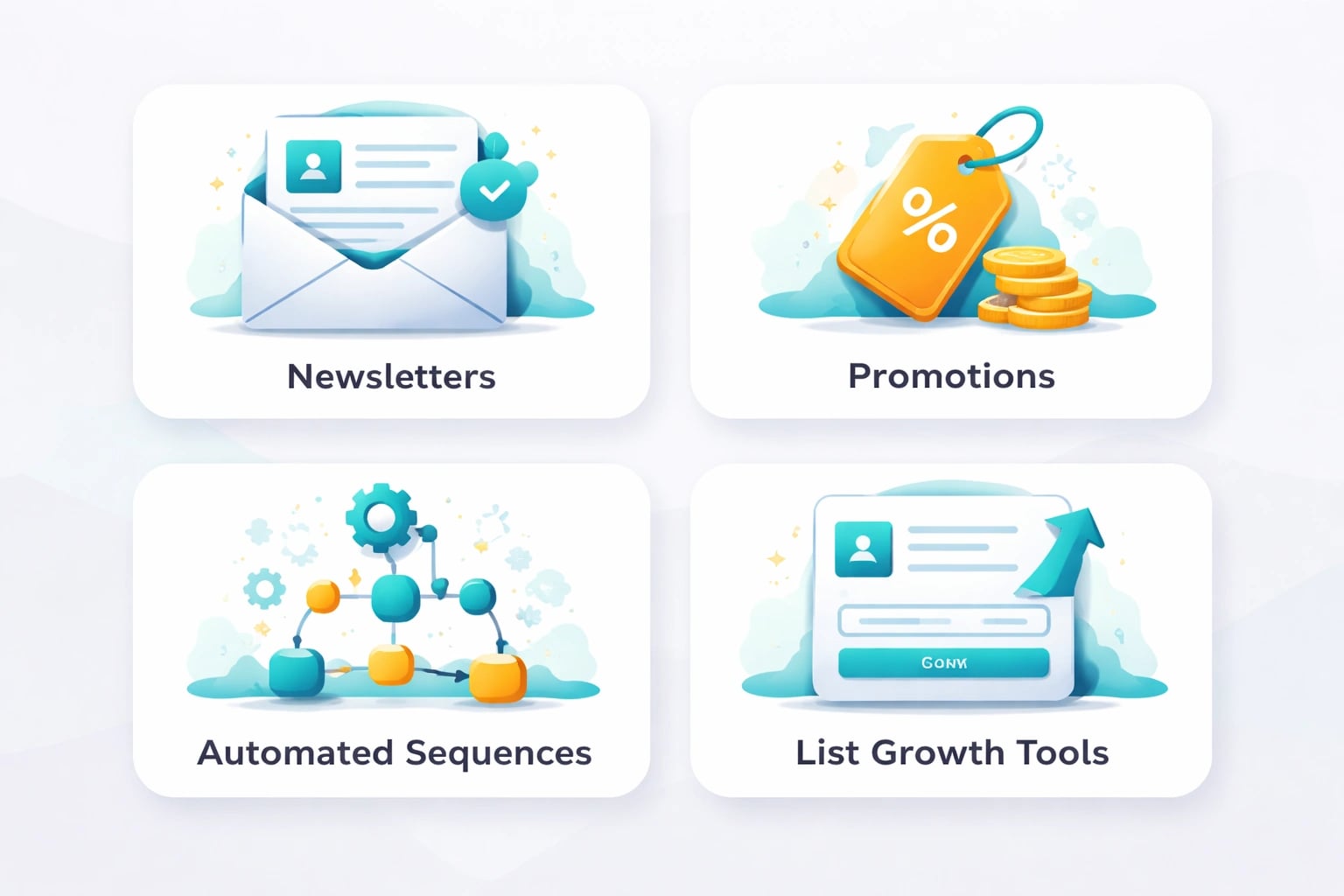
Local businesses need newsletters, promotions, automated sequences, and list growth tools. All three platforms cover the basics.
What Local Businesses Actually Need From Email
Before picking a platform, let's be clear about what you are actually using email for. Most local businesses on the Space Coast need four things:
Monthly Newsletter
A regular update with business news, tips, promotions, and community involvement. Keeps you top of mind between purchases.
Promotional Emails
Seasonal offers, flash sales, new service announcements. The emails that directly drive revenue.
Automated Sequences
Welcome emails for new subscribers, appointment reminders, post-purchase review requests. Set them up once, they run forever.
List Growth Tools
Sign-up forms for your website, landing pages for promotions. The tools that help you actually build your list.
All three platforms handle these basics. The question is which one handles them best for the least friction and cost.
Mailchimp gives you the best templates and design tools, plus a free starting point.
Constant Contact gives you the best support and event tools, with straightforward pricing.
ConvertKit gives you the best automation engine, but wraps it in a creator-focused package that local businesses rarely need.
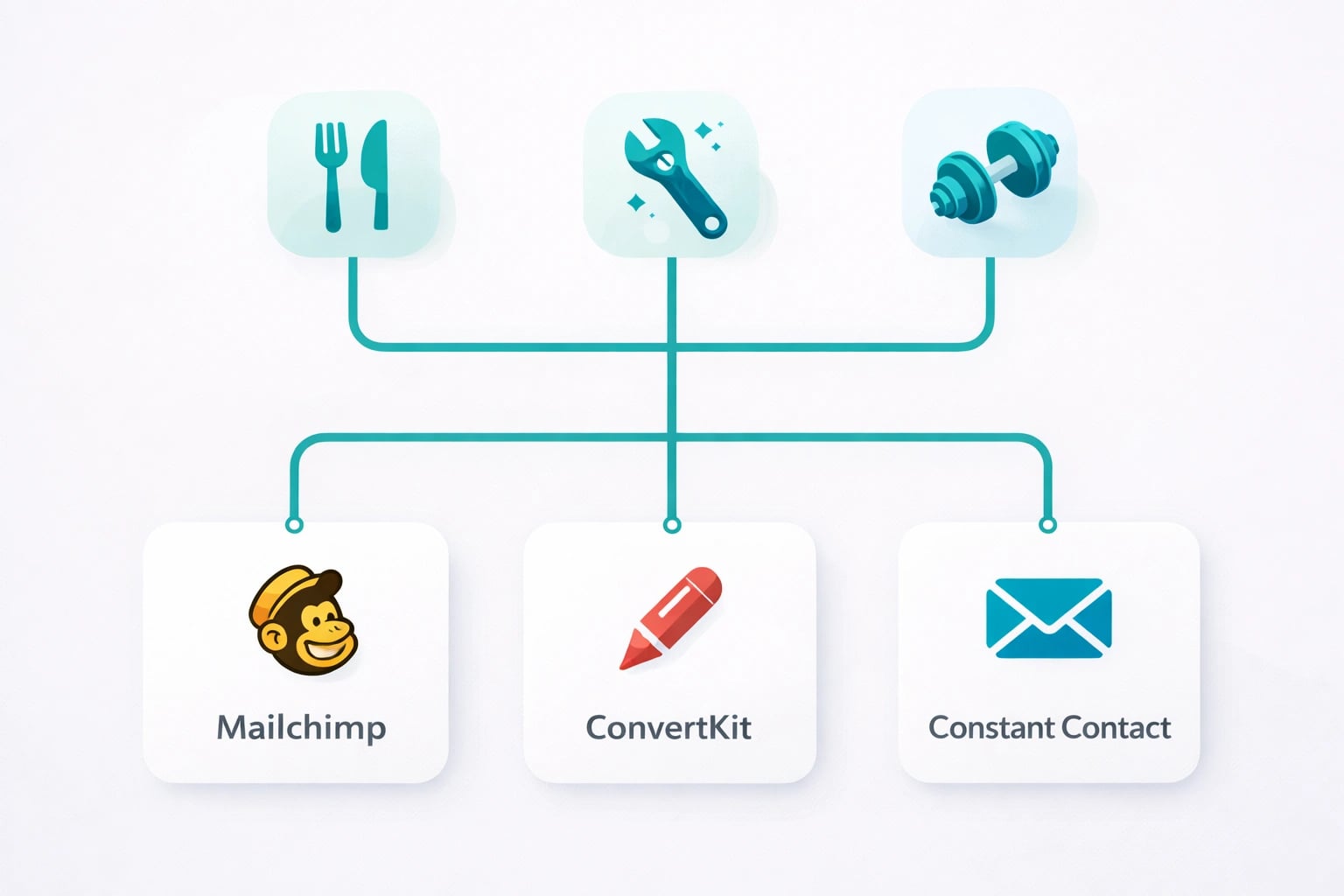
The best platform depends on your business type. Mailchimp covers most local business needs, while Constant Contact shines for event-heavy businesses.
What a Service-Business Workflow Actually Looks Like
The word "automation" sounds abstract until you see the one workflow that pays for the whole subscription. Here is the sequence a Florida HVAC company can build once and let run: a booking triggers an instant confirmation email; two days after the job, a follow-up asks how it went; a click on "satisfied" fires a review request with a direct Google link; no click after three days sends a softer check-in; six months later, a seasonal maintenance reminder goes out on its own. Every step is a touchpoint you would otherwise forget on a busy week, and it is exactly the kind of branching sequence where Mailchimp's journey builder outruns simpler tools.
Two honest caveats. First, hidden billing: Mailchimp charges for unsubscribed contacts unless you archive them, and Constant Contact prices off peak contact counts, so an uncleaned list quietly inflates either bill. Second, and more important: the platform matters far less than actually sending. A business that ships a plain monthly newsletter and a post-job follow-up every single month beats the one that built an elaborate automation and never logged in again. Pick the tool you will actually use, then use it.
Our Recommendation by Business Type
Restaurants and Cafes
Mailchimp. Strong visual templates for showcasing food photos, built-in reservation integrations, and the free plan works well for building your initial list.
Home Service Providers (HVAC, Plumbing, Roofing)
Mailchimp or Constant Contact. Both handle appointment reminders and seasonal promotions well. Choose Constant Contact if you want phone support.
Fitness Studios and Gyms
Constant Contact. The built-in event management is perfect for class schedules, workshops, and member communications.
Retail Shops
Mailchimp. The e-commerce integrations, product recommendation features, and visual email builder make it the clear choice.
Professional Services (Legal, Accounting, Medical)
Constant Contact. The professional templates and reliable support matter more than flashy design tools. Compliance-friendly defaults are a plus.
Content Creators with a Local Business
ConvertKit. If you sell courses, guides, or digital products alongside your local services, ConvertKit's creator tools are genuinely useful.
Getting Started: Keep It Simple
Whichever platform you choose, the same startup advice applies:
- Start with your existing contacts. Export customer emails from your POS system, booking software, or even a spreadsheet. Get permission before adding anyone. If you don't have a website yet, our web design services include sign-up form setup.
- Set up one automated welcome email. When someone joins your list, they should immediately get a message thanking them and telling them what to expect.
- Send one email per month. Do not overthink it. A monthly newsletter with one helpful tip and one promotion is enough to start.
- Add a sign-up form to your website. Put it on your homepage and your contact page. Offer something small (10% off, free consultation) as an incentive.
Every marketing email must include your physical business address and a working unsubscribe link. All three platforms handle this automatically, but make sure you never remove or hide these elements. Violations can result in fines up to $51,744 per email.
- Mailchimp is the best overall pick for local businesses: strong free plan, great templates, reasonable pricing
- Constant Contact is the best choice if you value phone support or host events
- ConvertKit is built for online creators and usually not the right fit for local businesses
- Most local businesses have under 2,000 contacts, so free and low-tier plans matter most
- Start simple: one welcome email, one monthly newsletter, and a sign-up form on your website
- Your email list is an asset you own. Social media followers are borrowed. Invest accordingly.