


L3ad Solutions • Blog
Google Business Profile: The Complete Owner's Manual
Every Google Business Profile setting that actually moves rankings, what to skip, and how to keep the listing alive once it's set up.
GBPLocal SEOGoogle Business Profile

Every Google Business Profile setting that actually moves rankings, what to skip, and how to keep the listing alive once it's set up.
• A complete, actively-posted Google Business Profile is the biggest local-pack ranking factor. Key settings: accurate categories, service-area boundaries, regular photos and posts, Q&A coverage. Maintenance beats setup: weekly attention outranks a perfectly optimized but quiet profile.
The Google Business Profile is the most important single asset a local service business owns. A profile with the right settings outranks a competitor with a better website, more years in business, and a bigger ad budget. A profile with the wrong settings sits invisible while less-deserving competitors get the calls.
Most of what's online about GBP is either outdated or optimized for software-platform sales. This is what actually matters, in priority order, based on what we see across Florida service-business clients.
Your primary category is the single highest-impact setting on the profile. It defines which searches you're eligible to rank for at all. Picking the wrong primary category can keep you invisible no matter what else you do.
Real example: a Cocoa Beach client was set as "General Contractor" but did 80% AC and refrigeration work. They were invisible for "AC repair" searches in their service area, ranking page 4 for jobs they were perfect for. Switching the primary category to "HVAC Contractor" moved them into the top 3 for AC searches within 30 days. Nothing else changed.
The rule: pick the category that matches what your highest-revenue customer types into Google. Use Google's autocomplete on incognito mode to see what variants real searchers use. Don't pick the most generic option ("Service Establishment"), pick the most specific.

Primary category choice determines eligibility for entire keyword clusters and local pack visibility.
If you're a service-area business (you go to customers, not the other way around), your service area defines where Google considers you eligible. Two failure modes:
The right answer is the cities within roughly a 30-minute drive that you'd genuinely take a job in. For a Titusville business, that's typically: Titusville, Mims, Port St. John, Cocoa, Rockledge, Merritt Island, Cape Canaveral. Maybe Cocoa Beach. Not Palm Bay or Melbourne, even if you'd take an exceptional job there.
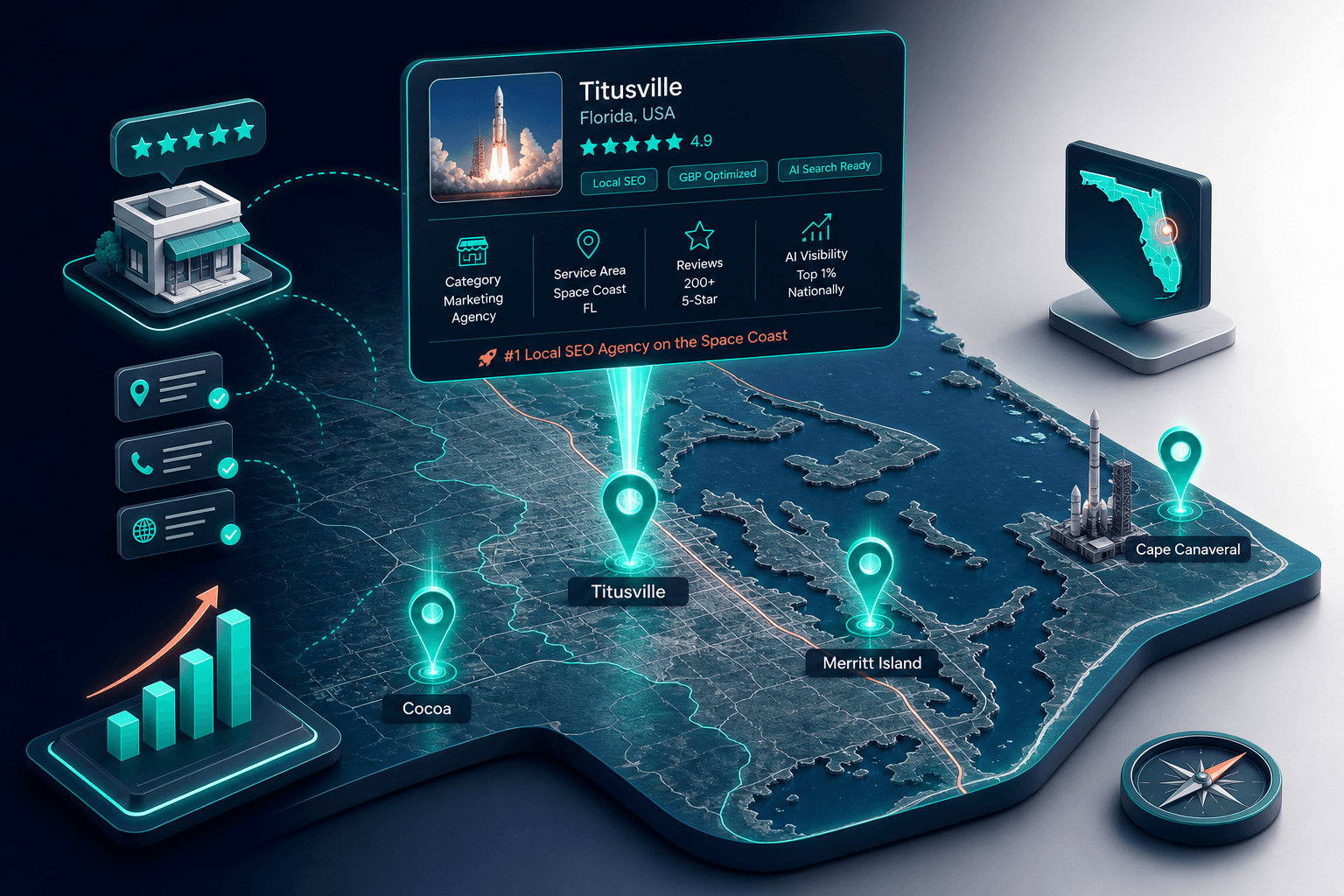
Service-area boundaries should reflect real 30-minute drive zones, not arbitrary city lists.
Inaccurate hours is the fastest way to a 1-star review. Set your hours, set your special hours for holidays, and turn on temporary closures when you're really closed. Google weights "open now" as a ranking signal for time-of-day searches; a profile listed as 24/7 when it's not generates customer service calls you don't want.
Profiles with 50+ real photos outperform profiles with 5-10 stock photos. The signal is real-business-with-real-work, not stylized marketing imagery. Add photos monthly. Google specifically rewards profiles where the owner uploads vs. where customers do the heavy lifting.
For service businesses: photos of completed work, the team, the trucks, the office, in-progress jobs. Avoid generic stock images of "businessman shaking hands."
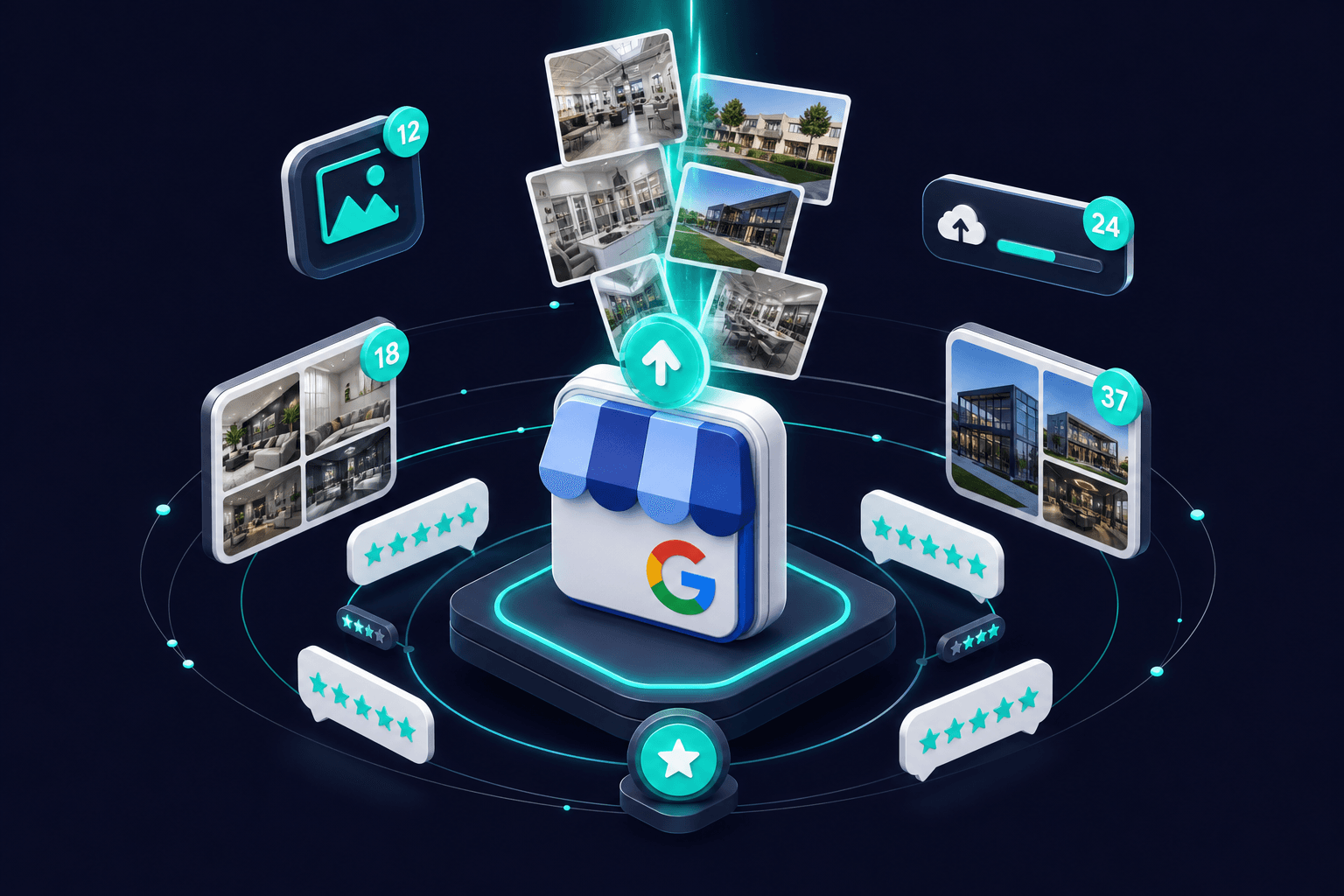
Monthly uploads of real project photos create stronger ranking signals than stock imagery.
Description. Most SEO content tells you to keyword-stuff the description. Don't. The 750-character description has minimal direct ranking weight. Use it to tell potential customers what's different about you. Keyword stuffing this field can trigger Google's spam classifiers.
Attributes. "Wheelchair-accessible," "LGBTQ-friendly," etc., useful for filtering but don't move general rankings. Set the ones that genuinely apply, ignore the rest.
Special offers. They display nicely in the listing but rankings barely shift. Use them for the customer-facing benefit (cheap conversion lifts), not for SEO.
Here's the insight most owners miss: a perfect GBP setup that goes silent will be outranked by a mediocre setup that gets weekly attention.
The maintenance habits that compound:
We see this pattern with every client. The ones who do the maintenance work see compounding rank improvements. The ones who set it and forget it watch competitors pass them within 6 months.
Suspended-and-recovered profiles often retain a permanent rank penalty. Don't risk a suspension. Common triggers: a fake address, multiple profiles for one location, keyword stuffing the business name, fake reviews. Recovery from suspension takes 14-90 days and rankings rarely fully recover.
Service area + storefront confusion. If you do 50/50 in-shop and field work, you have to pick. Listing both an address and a service area causes ranking inconsistency. Pick the model that matches your real revenue split.
Multiple profiles for one location. "Acme Plumbing" and "Acme Plumbing Services" can't both rank. Google merges or suspends. Pick the canonical name and consolidate.
Fake review velocity. Buying reviews or asking employees to leave them creates a velocity pattern Google detects. The penalty is loss of all reviews and a temporary rank demotion.
Two metrics in the GBP Insights panel matter:
Most other GBP metrics (impressions, photo views, etc.) are vanity. Track the two above and you'll know if the work is paying off.
Our Florida Local Search Index puts numbers on the gap. Across the Brevard County businesses we audit, map pack top-3 profiles average 88% completion while the broader market sits at 58%, and the difference is rarely one big miss: it is services never listed, attributes skipped, photos from three years ago, categories set once at signup. On activity, 58% of top-3 businesses post weekly against 11% of everyone else, and the review picture is starker still: 185 reviews on average with a 92% reply rate and 5.6 new reviews a month, against 1.8 for the rest.
Read that list again and notice what is missing: nothing on it requires budget. Completion, posting rhythm, and reply discipline are hours, not dollars, which is why the profile is the highest-return work in local search, and why the same completeness is what AI assistants check before recommending a business by name.
A great GBP plus a slow website still loses customers, they call, get sent to your site for "more info," and bounce. A great website plus a weak GBP gets fewer calls in the first place because the listing never appears. Both have to work.
The order to invest in for most service businesses: GBP first (highest impact per hour), website second (conversion floor), reviews third (compounding moat), service-area pages fourth (long-tail capture). For more on how these interlock, see Local SEO Fundamentals.
If you want a quick check on where your GBP currently stands compared to top-ranked competitors in your area, our Local SEO Audit tool runs a full scan in about a minute.
Tap a question to expand.
Keep Going
Pick the next question you have and go straight to the answer.
Budgets, channels, and a build order for roofing growth anywhere in the US.
Budgets, channels, and a build order for HVAC growth anywhere in the US.
Budgets, channels, and a build order for plumbing growth anywhere in the US.
Budgets, channels, and a build order for contractor growth anywhere in the US.